I recently updated my a11y accessibility checker tool with improved accuracy, better logic, and a more polished user experience. This tool helps designers and developers ensure their color combinations meet WCAG accessibility standards.
Overview
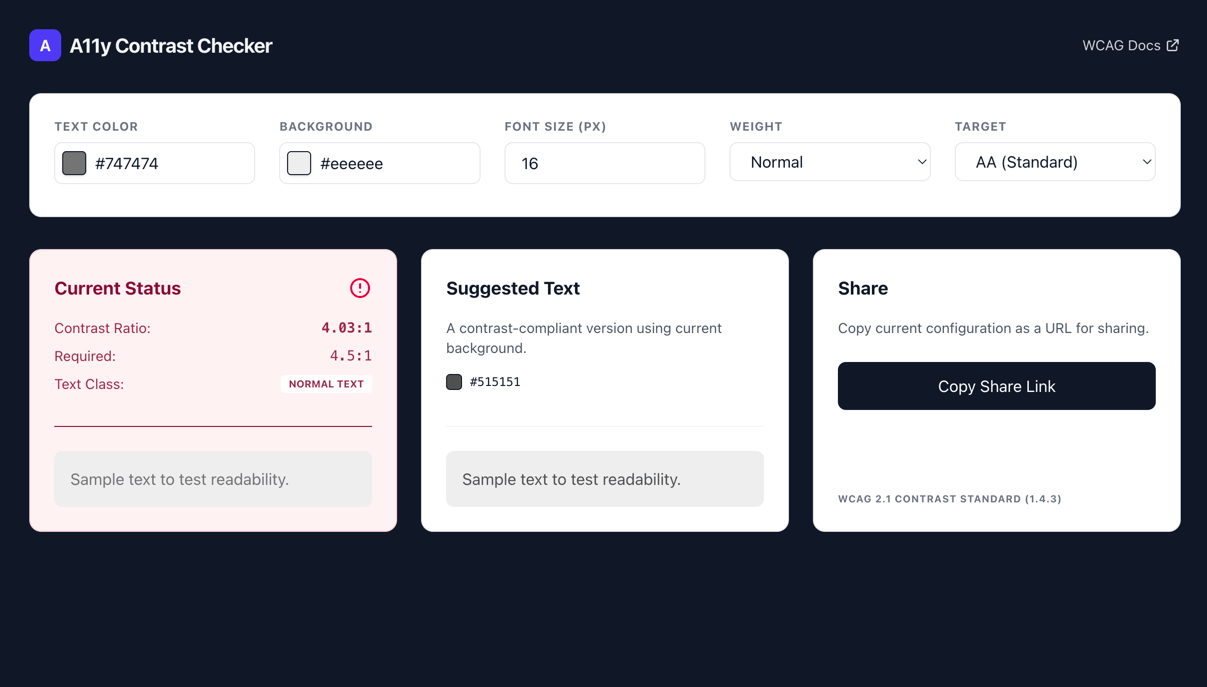
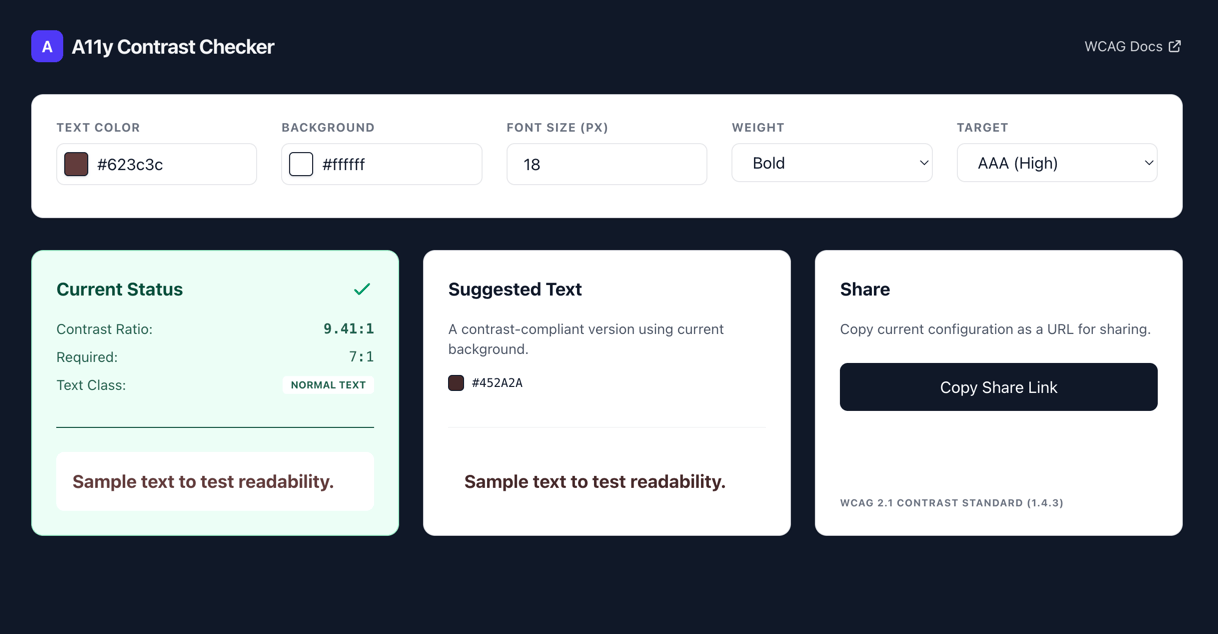
The a11y accessibility checker is a web-based tool that evaluates color contrast ratios to determine if text is readable against background colors according to WCAG 2.1 standards. It supports both AA and AAA compliance levels and provides real-time feedback.
Key Features
Real-time Contrast Analysis
The tool instantly calculates the contrast ratio between text and background colors and compares it against the required ratio for the selected WCAG compliance level (AA or AAA).
Large Text Detection
The checker automatically determines if text qualifies as "large text" based on font size and weight:
- Normal text: Text smaller than 18.66px (or 24px for any weight)
- Large text: Text 24px or larger, or 18.66px and bold
Large text has different contrast requirements than normal text, and the tool handles this distinction automatically.
Smart Color Suggestions
When your color combination fails accessibility standards, the tool suggests an alternative text color that would pass the contrast requirements while maintaining readability.
URL Sharing
The tool generates shareable URLs that preserve your current color settings, making it easy to collaborate with team members or share specific color combinations. I usually run the tool against any suspicious colors and share the results with our team if there are any issues.
Previous Implementation
The old site was build with Vue.js 2 and was an single page app. The site had no prerendered content and was just an empty body with a script tag. This is not really ideal for the best experience and this small tool doesn’t require a real "SPA" approach.
This is why I decided to update it with a simpler stack and try to serve all the page details as soon as possible.
Now Built with Modern Web Technologies
- Alpine.js: A lightweight JavaScript framework for reactive UI components
- Color.js: A comprehensive color manipulation library for accurate contrast calculations
- Tailwind CSS v4: Utility-first CSS framework for responsive design
- Vite: Modern build tool for fast development and optimized production builds
The core functionality is implemented in a single Alpine.js component. The controls are wrapped in a form and when that form changes, there is a debounced function that updates the URL. The rest of the code relies on the x-model properties on the inputs to trigger the color validation.
Conclusion
The updated a11y accessibility checker provides a powerful yet simple tool for ensuring your web designs meet accessibility standards. Whether you're a designer choosing color palettes or a developer implementing UI components, this tool helps you create more inclusive digital experiences.
Try it out: https://james2doyle.github.io/a11y/
The source code is available on GitHub: https://github.com/james2doyle/a11y

James Doyle
I'm a full-stack developer, co-organizer of PHP Vancouver meetup, and winner of a Canadian Developer 30 under 30 award. I'm a huge Open Source advocate and contributor to a lot of projects in my community. When I am not sitting at a computer, I'm trying to perfect some other skill.